
PhotoRec pulls footage, stills, and office files back when catalogs collapse
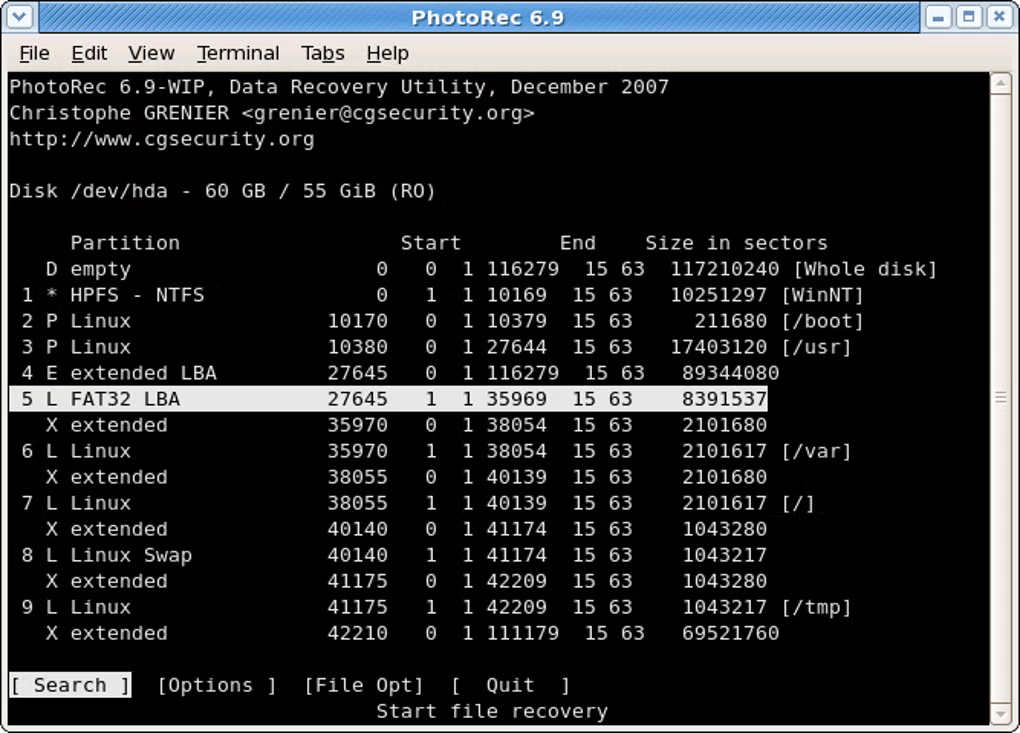
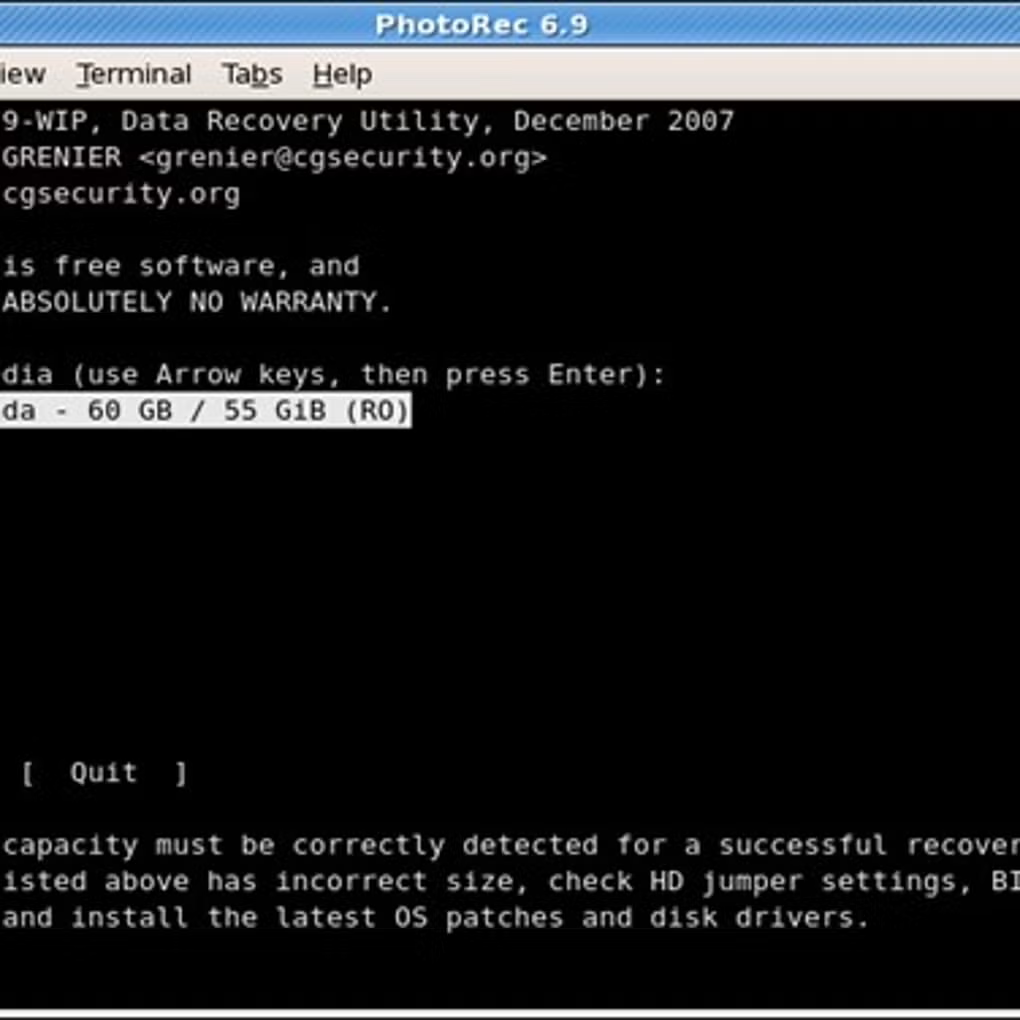
The utility streams bytes in read-only mode, skips unreliable directory metadata, and rebuilds recognizable objects—helpful when partitions were reformatted or tables were damaged.
Passive reads • Auditable GPL lineage • Side-by-side look at other recovery apps

Why teams still reach for PhotoRec
Instead of trusting a shaky file index, PhotoRec walks the raw surface and matches known headers. That matters when FAT, NTFS, exFAT, ext2/3/4, or HFS+ metadata is incomplete—the data often remains even if the map does not.
Every pass is non-destructive to the donor disk. Pair it with TestDisk when you must rebuild partition layouts before carving files.
Capability highlights
Browse the full matrixExpansive signature catalog
Hundreds of recognizable families spanning photos, archives, office suites, and multimedia containers.
Everyday storage targets
Spinning disks, flash keys, camera cards, optical media, and other block devices you already own.
Layout-agnostic carving
Operates beneath the filesystem layer so wiped or inconsistent layouts do not halt progress.
Write-blocking mindset
Keeps the sick drive untouched while streaming rescues to a separate healthy destination.
TestDisk handshake
Stabilize partitions first, then let PhotoRec harvest files from the revived or partially readable space.
Operator walkthroughs
CLI and QPhotoRec recipes that spell out disk picks, destinations, and sanity checks.
Where PhotoRec shines
Creative crews
Rescue RAW stills and edited timelines when cards glitch mid-shoot or backups lag.
Ops & helpdesk
Give end users a transparent option after accidental wipes or failing laptop drives.
Home offices
Recover homework folders, personal archives, and phone dumps from USB sticks without paid lock-in.
Snapshot: how approaches differ
PhotoRec
- GPL source you can inspect
- Deliberately passive source access
- Signature-first carving pipeline
- Broad format awareness
Recuva
- Closed-source Windows stack
- Leans on filesystem awareness
- Desktop-centric workflows
- Optional paid tiers
Disk Drill
- Commercial cross-platform UI
- Freemium packaging
- Mixed carving and FS tooling
- Subscription upsells
EaseUS
- Paid desktop suites
- Marketing-heavy feature gating
- Primarily filesystem-oriented flows
- Limited transparency into internals
Need partition surgery first? Lean on TestDisk, then return to PhotoRec for file-level extraction.
Rebuild layouts with TestDisk
TestDisk remains the free CGSecurity companion for boot sectors, partition tables, and “disk won’t mount” emergencies—ideal precursors before PhotoRec sweeps for loose files.
Pick the physical disk, confirm the partition scheme, and let the analyzer hunt for missing slices. Once structures stabilize, PhotoRec can focus on rescuing individual payloads.
Notable leverage points
-
Table reconstruction Re-link deleted slices and repair GUID/MBR chaos.
-
Boot sector triage Patch NTFS/FAT bootstrap zones and MFT mirrors.
-
Filesystem undelete Lift FAT, exFAT, NTFS, and ext2 entries when tables still cooperate.
Signals you can verify
- No hidden writes to the patient disk—PhotoRec only observes.
- GPL publication means independent reviewers can diff the sources.
- TestDisk pairing covers both structural and file-level crises.
Start with a calm workflow
Clone or image when possible, pick a separate output disk, then follow the guides for predictable outcomes.