
PhotoRec capability atlas
Each tile below explains how the carving engine behaves in the field—what it recognizes, where it runs, and how it stays conservative while extracting data.
Signature breadth
PhotoRec hunts well-known headers and footers across more than four hundred extensions—think camera raws, layered images, zipped payloads, office suites, and streaming containers.
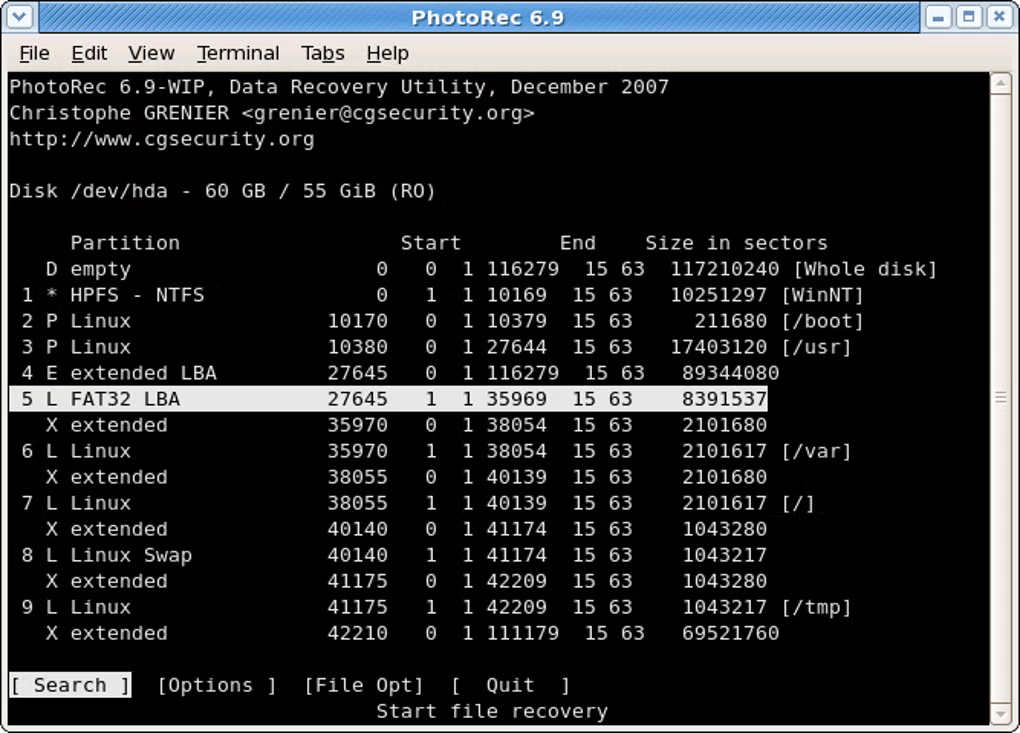
Hardware latitude
The same codebase addresses internal SSDs, spinning rust, removable USB sticks, memory cards, optical discs, and tethered camera storage.

Filesystem bypass
When FAT, NTFS, exFAT, ext2/3/4, or HFS+ metadata is suspect, PhotoRec still streams underlying clusters to rediscover payloads.
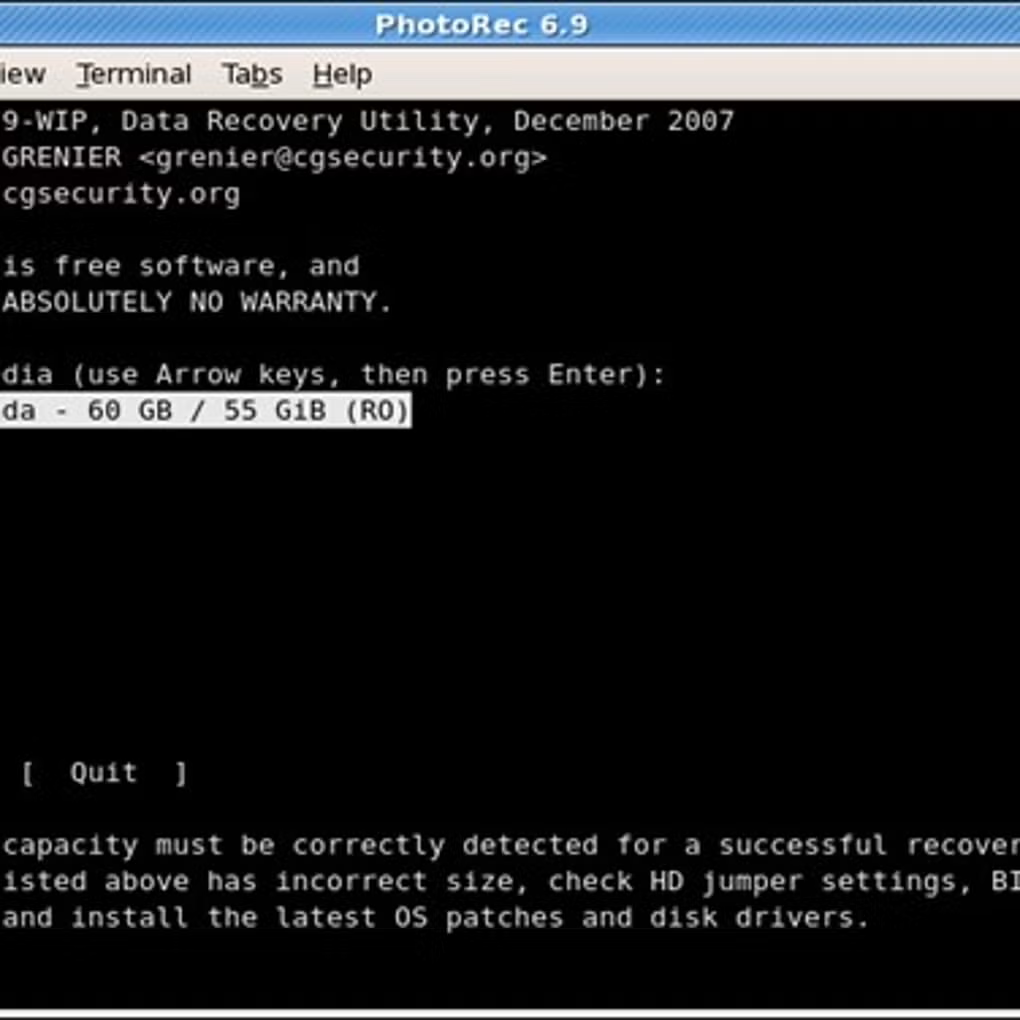
Destination discipline
Source sectors remain immutable; everything recovered lands on a path you control, which is critical for legal and forensic repeatability.
TestDisk choreography
Recover partition boundaries or boot sectors with TestDisk, then aim PhotoRec at the stabilized regions to lift individual files.
Guided learning loops
The docs break down CLI and QPhotoRec flows, including the “never write back to the sick disk” mantra and how to vet outputs.
Practical first hop
Skim the Guides for disk selection, destination planning, and post-run verification tips.